How to undo changes in i-scribe
If you've made changes with the Adjustor Tool, you can also undo changes with the button shown below (the red box in the image below):
The quickest way to undo changes in i-scribe is to use keyboard shortcuts
On Mac:
- "Command" + "Z"
- To undo, click the "command" and "Z" buttons at the same time.
On PC:
- "ctrl" + "Z"
- To undo, click the "ctrl" and "Z" buttons at the same time.
Undoing changes from the Adjustor Tool
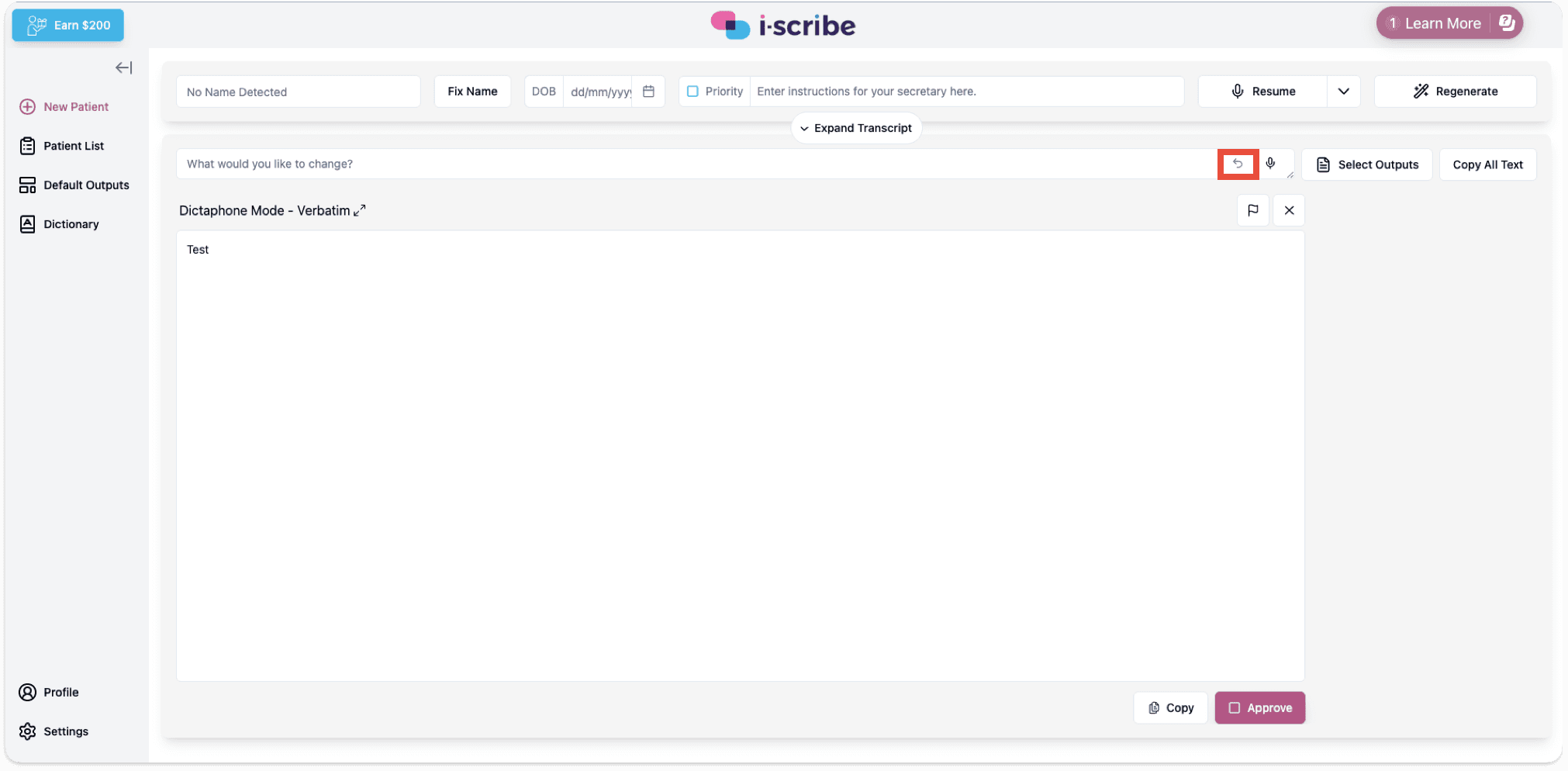
If you've made changes with the Adjustor Tool, you can also undo changes with the button shown below (the red box in the image below):
For additional instructions on how to use the Adjustor Tool, click here.
Was this guide helpful?